
In restaurants and hotels in tourist areas, the scene is familiar: the guest looks at the menu, asks the waiter about each dish they do not understand, and the waiter explains as best they can. Ordering drags on, the table turns later than expected, and sometimes a different plate arrives than the guest expected.
What does a multilingual menu change?
- Faster ordering: Guests read and choose what they want in their own language.
- Fewer mistakes: A guest who sees the ingredients and allergens in their own language does not place the wrong order.
- More sales: Guests also discover dishes they would have skipped because they did not understand them.
- Better experience: Guests welcomed in their own language feel valued, and that shows in reviews.
Which languages does MenuRobo offer?
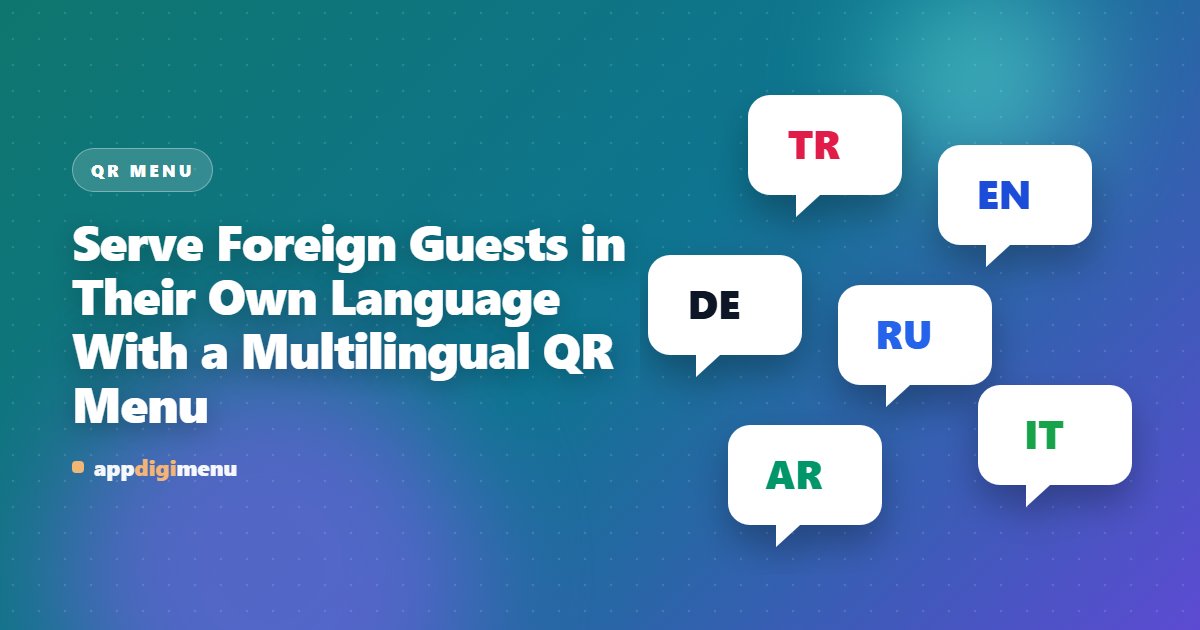
You can offer your menu in 6 languages: Turkish, English, German, Russian, Italian and Arabic. The menu opens in the language of the guest's phone, and guests can switch languages themselves if they wish. You can turn off languages you do not use and show only those that suit your guest profile.
Tips for good translations
- Keep the names of regional dishes instead of translating them, and add a short description underneath: "İskender — sliced doner kebab, buttered tomato sauce and yoghurt".
- Write portion and ingredient information equally clearly in every language.
- For right-to-left languages such as Arabic, check once on a phone that the menu displays correctly.